Desktop Application
Even though ero.dance is a browser application, you can also use it as a desktop or smartphone app on any device by downloading the PWA (Progressive Web Application).
Open ero.dance in your browser.
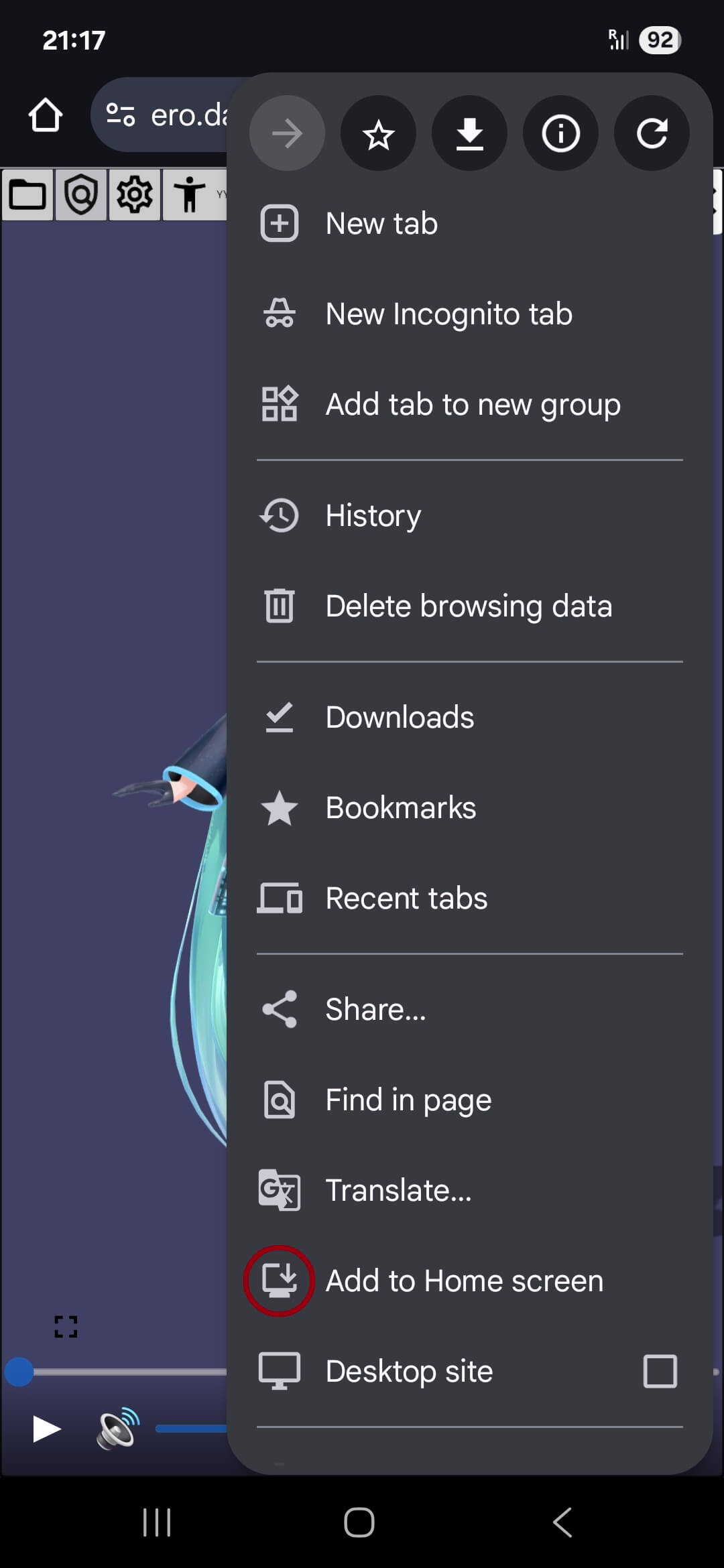
Depending on your browser, the installation icon is either located in your address bar or in the browser menu.

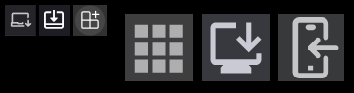
The installation icon may look like one of the following icons, and the label might say something like Install ero.dance or Add to home screen.
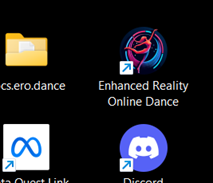
That’s all. Now you can open ero.dance like any other application on your device. You will find it on your desktop or home screen.
INFO
If you ever delete the icon from your screen without uninstalling the application, you can still find it via the menu of the browser you used to install it. There should be an entry like Apps > ero.dance.